
Our Products
Simple apps that turn complicated processes into step-by-step wizards. Built for hobbyists, by hobbyists.
Our apps are up front about their cost, we will never hit you with in app purchases or a subscription. We believe in keeping it simple and easy. Sure, that may mean we miss out on making some money, but as we hate it when an app that is listed as free suddenly cost $XXX a month, we are avoiding that ourselves. That does mean there will be an upfront cost to our apps, but it will be a one time purchase, then the app is yours, and we will try to keep the prices down where they are affordable for the everyday hobbyist, not just for corporations or the wealthy.
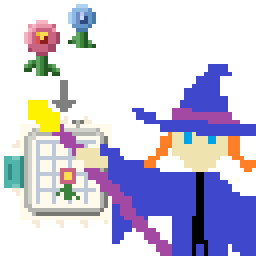
Embroidery Wiz – Image to Embroidery File Converter
Turn any image into a custom embroidery file your machine can use. EmbroideryWiz converts your artwork, logos, or designs into DST, PES, or vp3 files ready for your embroidery machine. Features include color optimization, background removal, image splitting for large designs, and stitch direction control. Works best with simple shapes and bold designs.
No expensive digitizing software or embroidery experience needed, just a simple DST, vp3, and PES file creator for hobbyists.
Cost: $19.99 + tax
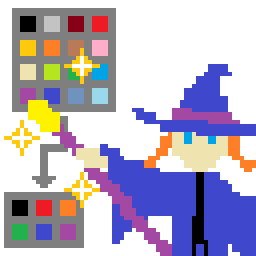
Pixel Color Redux Wiz – Color Simplification
Simplify any image by reducing its color count. PixelColorReduxWiz removes gradients and blends, breaking your image down to its core colors. Perfect for preparing images for crafting software, vinyl cutters, or any application that works better with clean, solid colors. Can even reduce colors Photoshop added when editing images.
Cost: $0.99 + tax
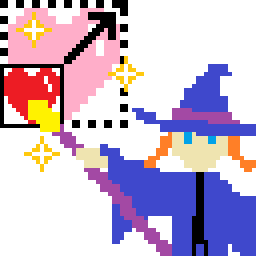
Simple Image Enlarge Wiz – Image Expansion
Scale up your images without the blur. SimpleImageEnlargeWiz enlarges images in clean multiples while preserving hard edges and keeping colors intact. Great for pixel art, retro graphics, or any image where you want to maintain that crisp, pixelated look, or at least where you want to not introduce new colors.
Cost: $0.99 + tax
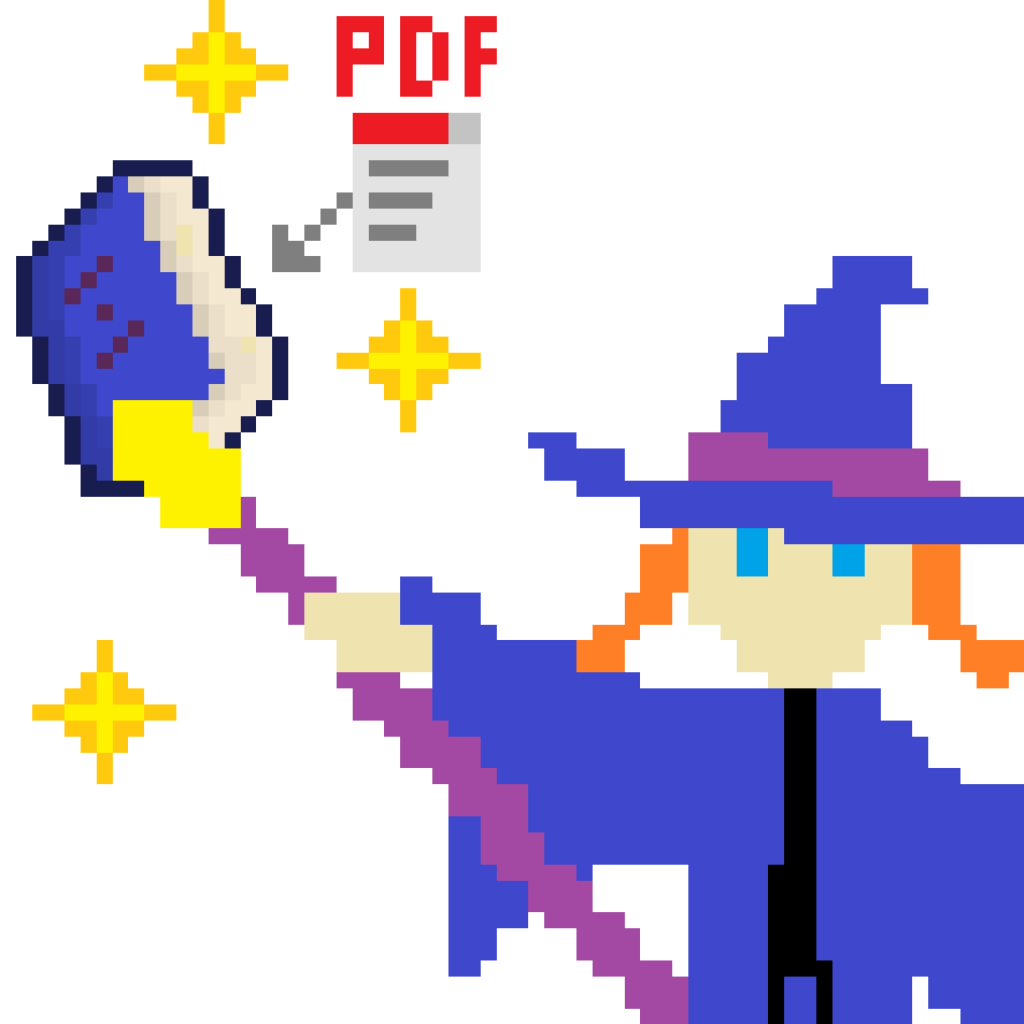
Booklet Wiz – Book Creation
Booklet Wiz takes the hassle out of booklet printing. Feed it any PDF and it reorganizes the pages into the correct order for duplex printing, folding, and binding. Whether you’re making a single saddle-stitched booklet or splitting a longer document into multiple signatures that combine into a perfect-bound book, Booklet Wiz handles the page math so you can focus on the finished product.
Cost: $4.99 + tax
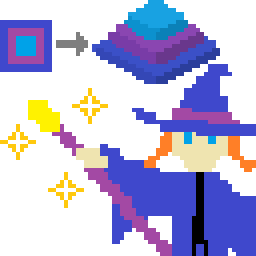
Image To 3D Wiz – 3D File Creation
Turn any image into a 3D printable model. Each color becomes a different height level, signs, logos, and art pieces ready for your 3D printer, game object, or whatever you may need 3D files for.
No 3D modeling skills needed — an intuitive step-by-step wizard walks you through the entire process.
▸ Simplify image colors to make clean edges
▸ Remove backgrounds interactively with tap-to-remove and full undo support
▸ Set physical dimensions in mm or inches with aspect ratio locking
▸ Assign heights per-color or via grayscale mapping
▸ Export as OBJ or STL – for a wide variety of applications
▸ Watertight geometry with top faces, walls, and solid bottom — ready to slice (although it may still prompt for repair)
100% offline. No uploads, no accounts, no ads, no subscriptions. Your images stay on your device.
One purchase, unlimited conversions, forever.
Cost: $14.99 + tax
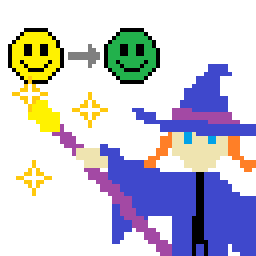
Color Swap Wiz – Image Editing
ColorSwapWiz is a desktop image editing tool built for one thing: swapping colors. Not a full editor, not a subscription, not a cloud service, just a fast, focused tool that does color replacement really well.
Quick Swap: Pick the color you want to replace, pick the new one, dial in the tolerance, done. Every matching pixel in the image gets swapped. Simple, fast, effective.
Fill Mode: More control. Choose your new color, then click exactly which regions to fill. Each click is a bucket fill on the connected area. Undo if you overshoot. Stack up fills until it looks right.
Reduce & Swap: The full pipeline. Build a color palette by sampling your image or picking from a color wheel. The app reduces your entire image down to that palette — you choose between gradient-aware mode (great for photos and illustrations) or exact-closest mode (great for pixel art and flat designs). Then pick which palette color to replace, swap it out, and use the edge smoothing slider to blend the changes back into the original. The result isn’t blurry — it’s blended at the edges, like the new color was always there.
Everything runs locally. Your images never leave your device. No internet connection required, no account, no subscription, no bloat. Just a simple app to do a simple task
Cost: $0.99 + tax